 Ember Noise
Presets & automation
Saving a preset
A preset captures the ember’s position, all four corner sound assignments, every per-sound EQ curve, and any automation path. Open the preset menu by tapping the preset name under the EMBER wordmark. Its footer provides these actions:
- New starts from a blank slate.
- Save updates the current preset in place.
- Save As creates a new preset from the current mix.
- Send to Device moves a saved, unchanged preset to a paired device.
An asterisk next to the preset name means the mix has unsaved changes. If you try to leave that preset, Ember Noise asks whether to save, discard, or cancel.
Recalling and managing
The app begins with 12 factory presets. Each uses four distinct sounds, and nine include an automation path. Three also contain carefully tuned EQ. The catalogue includes cloud cabin, driving rain, fireside creek, and coastal storm.
Search presets by name, category, or tag. Switch between All, Favorites, Factory, and My Presets, then filter by multiple tags. You can favorite any preset and edit its tags. Removing a factory preset hides it instead of deleting it, so Restore Ember Library can bring it back with any removed base-kit sounds. User presets can be deleted.
Tap a preset to load its sounds, position, EQ, and automation. If an imported sound it needs has been removed, the row says how many sounds are missing and stays unavailable until you restore or replace them. Saved presets can also be sent to another device. See Send to Device.
Automation
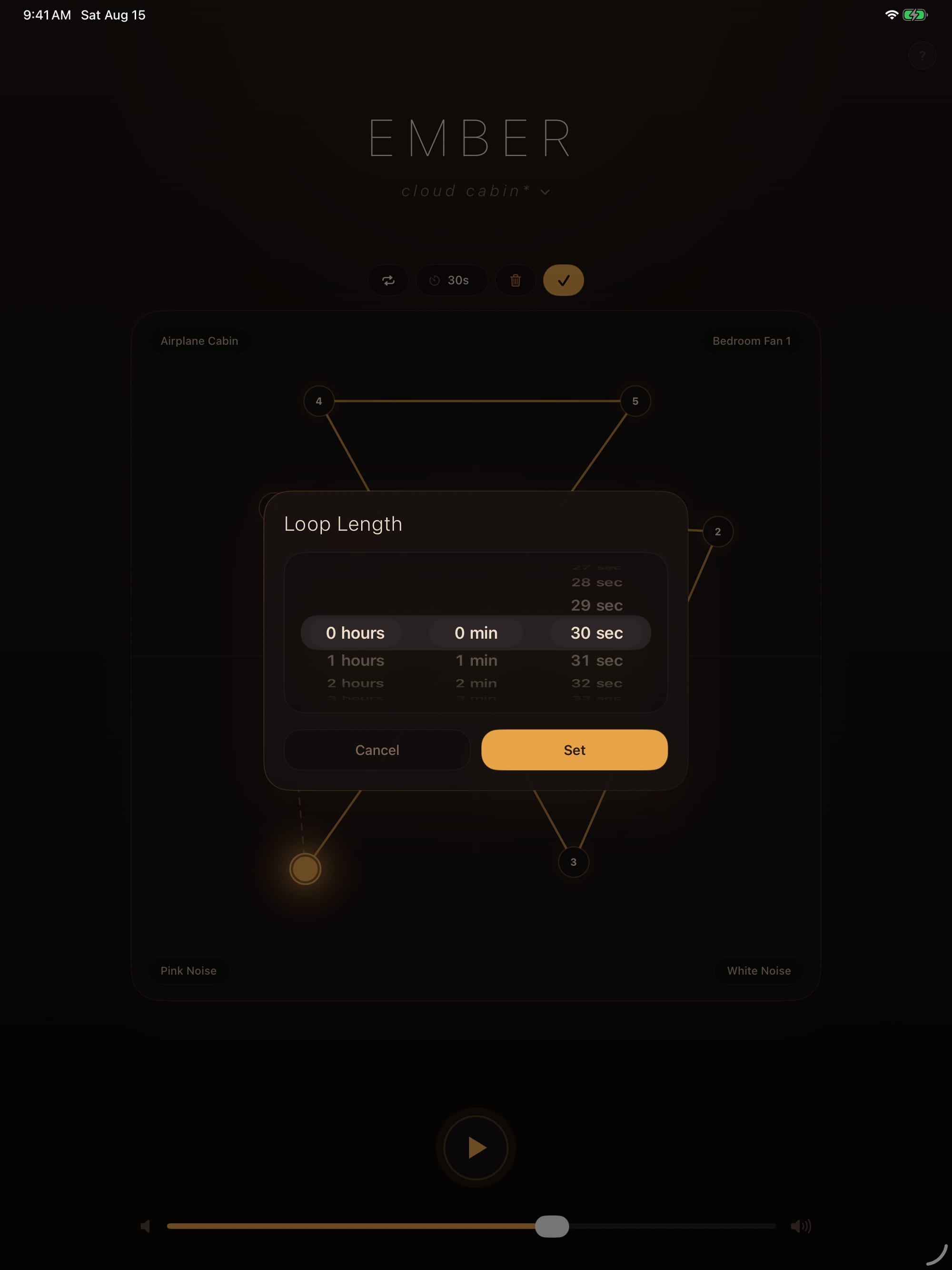
Open automation editing to add, select, drag, and delete waypoints directly on the matrix. Hold a waypoint to audition that exact blend. Choose a duration from five seconds to 24 hours and pick Loop or Ping Pong motion. Deleting the last point clears automation. During playback, the matrix follows the saved path and ignores manual position gestures.
Stop timers
A stop timer can run with any preset. When its countdown ends, Ember Noise fades the current mix and pauses playback.